In 2019, everyone is familiar with beats and sounds. The unlimited diversity of music and song production, all the mp3 players and smartphones and so many of social medias make those songs and music available to everyone and everywhere. In the past time, most people clapped out of the beats. Now each kid can even walk on the beats. Most people dance not only on the beat, but on the keys and notes. This is what we exactly need to edit a music video like a pro. It’s not about finding the beats on the waveform in the audio track. It’s about feeling the song and delivering the same feeling in the video.
Look at this very bad example on one of the worst educational videos I have found on Google from someone who is trying to teach us how to edit a song.
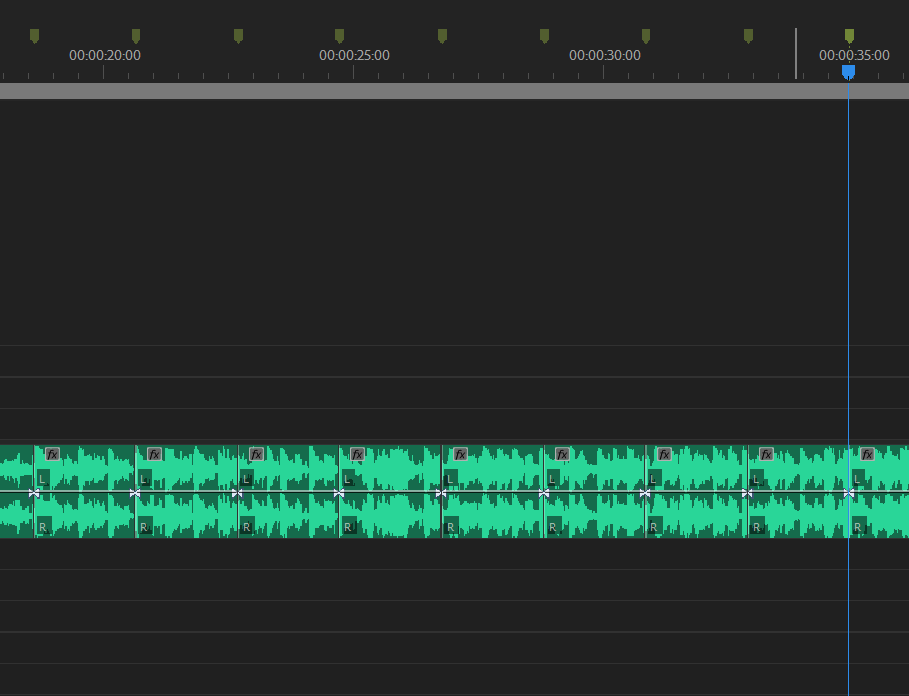
Look at the cuts and markers. Cuts and markers are everywhere on the beats. I can assure you that this guy doesn’t know where the song goes and has not enough experience in music video production. We don’t want to teach people the beats. You don’t need to be a musician to understand the editing points in your music video. The most important thing is to be a part of the song.
How do I get familiar with a song that I want to turn it into a music video?
First, I copy the song in my iPhone and listen to the song many times. Even if I don’t like the song and it’s not my style, this is the only way to start feeling the song and working on the video with passion. I open the song in Adobe Audition and listen to it several times watching the waveform. This helps me to not only better understand and feel the editing points but to also lighten some creative ideas in my mind that I take note of.
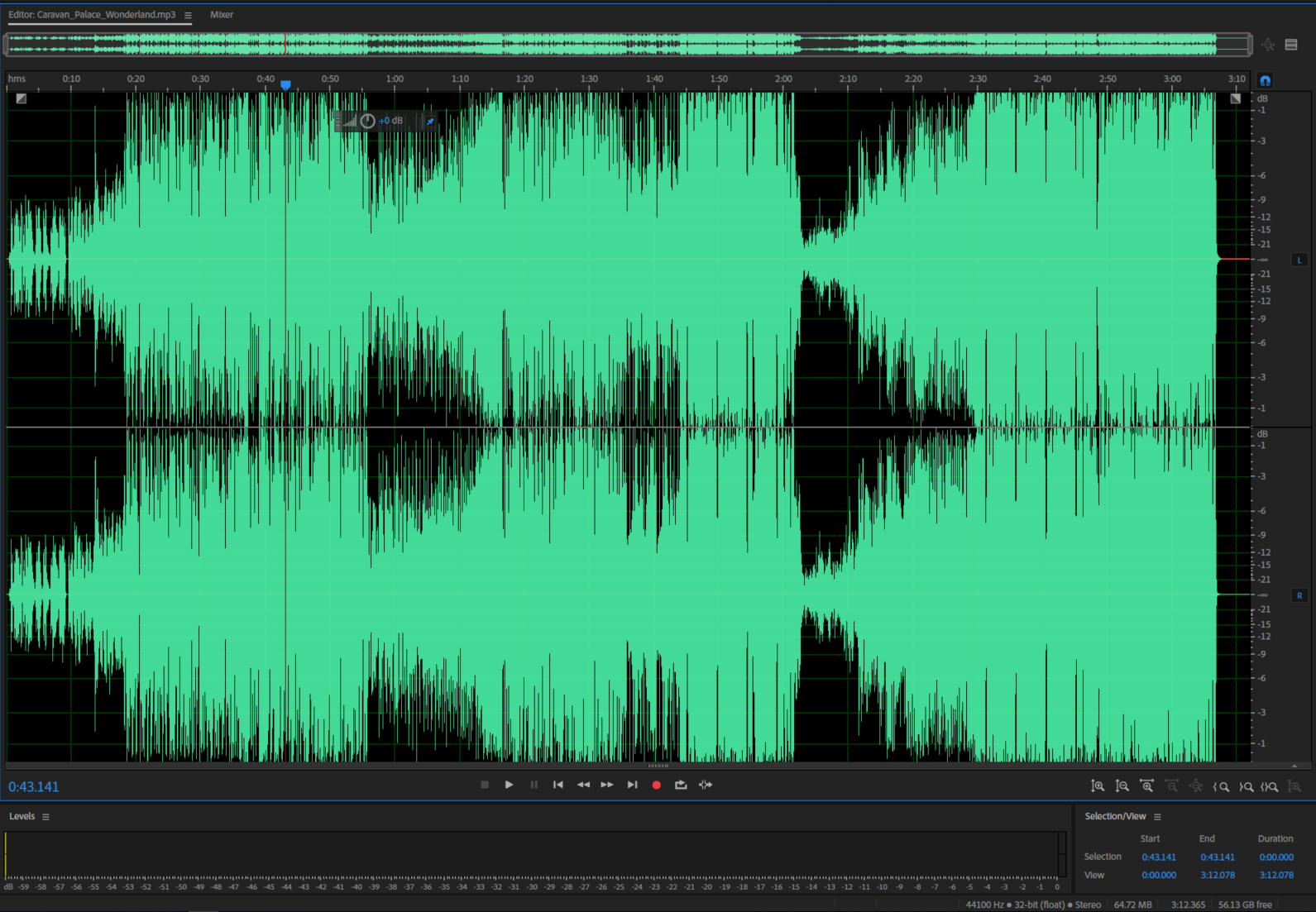
The next part is editing the music video.
We all have different styles and habits for editing. I check all the footage before importing them in my Adobe Premiere Pro project and discard or separate those that I think are not in a priority of use. Maybe discarding is not a good idea if you don’t have a backup of them.
Try to get rid of any useless raw footage and try to keep the least amount of video track in your timeline as possible. When I started producing videos as a full-time job, I thought that having many video and audio tracks in my timeline will make me look like a professional editor. As soon as I had my very first experiences with so many revisions from my manager, I realized that I don’t have to show people my level of expertise on my monitors and timelines. People will see the quality of my work in the end result. I don’t need to tell people that I am a professional, I need to prove it to myself with hard-work. That will be enough for a right judgment.
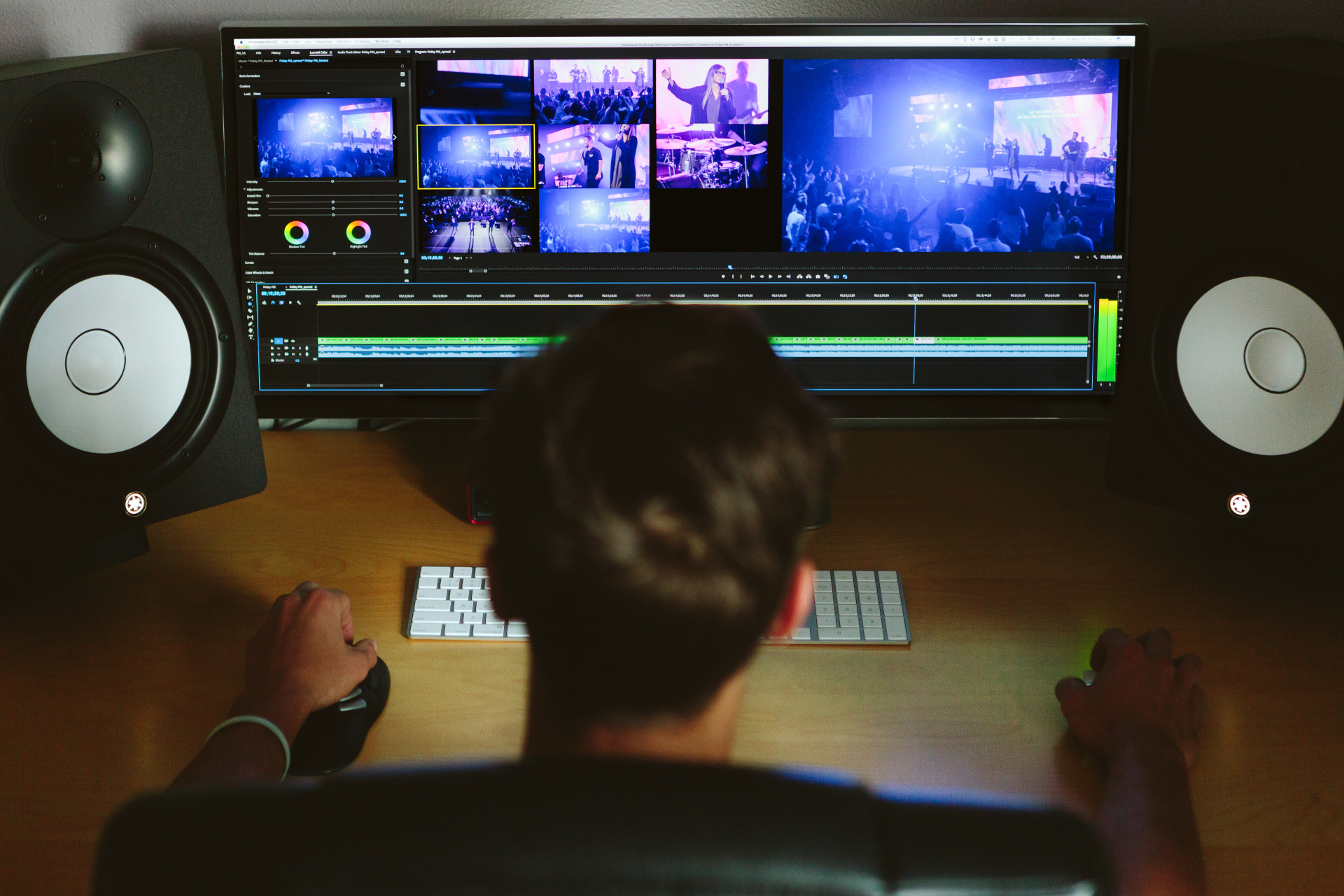
Many people think that editing on the beats is the best music video editing style. But look at the very professional music videos that you like. Most of them do not have on beat editing points. Delivering the feeling of the song in the video is sometimes picking the edit points on a specific word of the lyric and on an instrument hit and note.
This is what I do most of the time. I have an action and rock ‘n’ roll feeling, so I always have problem with my footage and I always have the wrong feeling of not having captured enough footage for my video. This is a wrong feeling that I am struggling with. You don’t have to change shots on all the beats and notes. Just try to put yourself in the viewer’s shoes. Watch your handiwork from the begging every half hour of work to know where you came from.
Stop working when you don’t find a solution and take a break. Go drink a coffee and speak with some friends to reset your mind. If you are spending more time than expected on a video, don’t worry. To paraphrase Freddy Mercury, we are not a Swiss train conductor, we are video editors and we need to put the time needed on our video not to make it better, but to make it super.
So add all the time you need, but if you have a long pause on a specific part and find yourself confused, just leave it empty and get back to it once you’re at the end. I used to watch the confusing part and loop it several times until the idea on how to edit that part came to my mind.
Remember that you are already working based on a shot list, then if you don’t have the right shot for this part, better to speak with the team of producers and directors.

In my experience, if you have time to watch the final video 2-3 days after it’s finished and keep the distance of listening the song and watching the video in these days, you will find some bad edited points or dropped frames etc… and you’ll give yourself pertinent revisions that no one else can notice.
One important thing is, before the beginning, if you don’t feel good and don’t relate to the song, and you feel like I don’t have the right feeling for this song, maybe you’re not the right person for the job. Just leave it be and try to share it with another editor. But don’t waste your time on something that will scratch your brand. Just work to give above 90% of perfection.
Some important experience:
- Even if you’re not the director, try to be present in all the shooting periods.
- Name your footage like you understand them.
- Manage all footage in the right folder (e.g. do not put the long shots in the med-shots folder or do not mix the instruments and actor shots with the singer etc.)
- Before you start working, listen to the song as much as you can. Once you started it, do not listen to it in your break times even if you feel you like to listen to the song.
- Do not work on the parts without having an idea for it. Instead, get help from colleagues or friends and family. They can help you with their ideas.
- Work on it until you are 99% satisfied but be always open to the revisions and DO NOT BE AFRAID OF REVISIONS.
Once again this is not on how to plan or giving basic advises, this was about delivering our experience for the pros.

 EAGLE MEDIA LABS